

A point-of-sale system does more than process payments. It sits at the center of every customer transaction in your business, and what happens with that data after the sale determines how well your operations run.
POS integration connects your point-of-sale system to every other tool your business depends on: inventory management, accounting, CRM, payroll, ecommerce, and compliance tools. Without these connections, data moves manually between systems, errors accumulate, and critical processes like age verification depend entirely on individual staff decisions.
This guide covers everything you need to know about POS integration. It explains what POS integration is and why it matters, walks through how the technology works step by step, and breaks down the main types of integrations available. It also covers real-world examples across restaurants, retail, hospitality, healthcare, and entertainment venues.
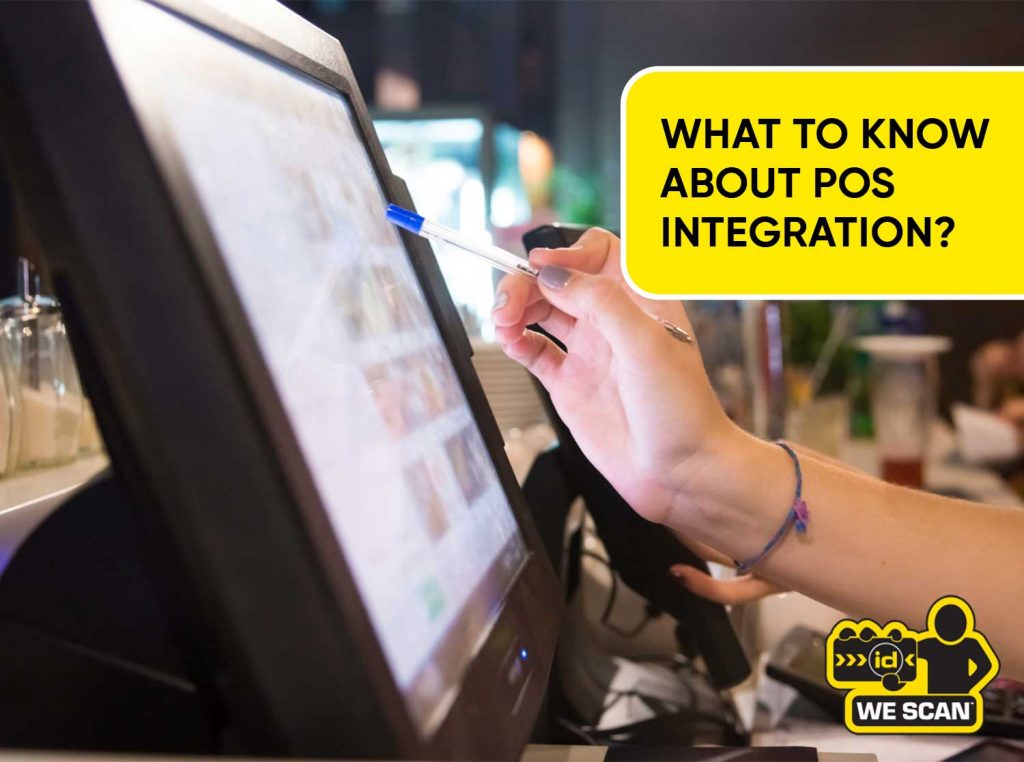
For businesses selling age-restricted products like alcohol or tobacco, POS integration carries direct compliance implications. The right integration turns ID verification into a mandatory, logged, automatic step inside every transaction rather than a judgment call made under pressure.
The guide closes with the key features to evaluate in any POS integration solution and a practical framework for choosing the right integration partner for your venue.
What is Point-of-Sale (POS) Integration?
POS integration is the process of connecting a POS system with other business applications such as accounting, inventory management, payment processing, CRM, or ecommerce platforms.
A standalone POS system processes transactions and records sales. Without integration, every other system in the business operates in a separate silo. Staff manually transfer data between systems, which creates errors, delays, and operational blind spots.
POS integration removes that gap. On the software side, it links the POS with inventory systems, CRM platforms, and accounting software. On the hardware side, it means pairing the POS with payment terminals and devices such as barcode scanners, receipt printers, cash drawers, and card readers.
The result is a unified system where every transaction automatically updates every connected platform in real time.
| Point of sale (POS) | The hardware and software used to process a customer transaction |
| POS integration | The connection between the POS and other business tools that enables automatic data exchange |
| API | Application Programming Interface. The technical bridge that lets two software systems exchange data |
| Real-time sync | Automatic data updates across all connected systems the moment a transaction occurs |
| Compliance integration | A POS connection to tools that enforce regulatory requirements such as age verification |
Why is POS Integration Important?
POS integration connects real-time sales, payments, and customer interactions to the rest of the business. Without it, a sale is an isolated event. With it, a sale triggers automatic updates across inventory, accounting, loyalty programs, and compliance systems simultaneously.
For food service and retail venues, the stakes go beyond efficiency. POS integrations with age verification software are essential for businesses selling age-restricted products such as alcohol, tobacco, or adult content. They turn age verification from a staff judgment call into a mandatory system step.
A venue that relies on individual staff judgment for ID checks carries regulatory and financial exposure with every transaction. An integrated compliance tool removes that exposure by making the check automatic and auditable.
| According to 2024 research by the MIT Center for Information Systems Research, top-performing businesses using real-time integrated systems experienced 97% higher profit margins and 62% higher revenue growth than their peers. |
The operational benefits are equally direct:
- Fewer manual data entry tasks means fewer errors across inventory, accounting, and compliance records
- Real-time data gives management accurate visibility into sales, stock, and staff performance at any moment
- Automated compliance logging creates a documented audit trail for every age-restricted transaction
- Integrated systems scale more easily than disconnected ones as a business adds locations or channels
How Does POS Integration Work?
POS integration works through a four-step data exchange cycle that runs automatically with each transaction.
| 1 |
Data Capture The POS records product, price, payment method, and time at checkout. |
| 2 |
Data Transmission Information is sent to integrated systems in real time or at scheduled intervals depending on the integration type. |
| 3 |
System Action Connected tools use the data to update records, trigger workflows, or generate reports based on the transaction. |
| 4 |
Feedback Loop Updated data flows back to the POS, keeping all systems aligned and current. |
The technical mechanism is typically an API. The POS sends structured data to an external system using a standardized request format. The external system processes it and returns a response. This exchange happens in milliseconds for real-time integrations.
Some integrations use webhooks instead of APIs. A webhook listens for a specific event such as a completed sale and automatically pushes data to a connected system when that event occurs. This removes the need for the POS to actively poll for updates.
How Age Verification Integration Works
For compliance-specific integrations like age verification, the workflow has an additional step. The POS detects an age-restricted item and triggers a scan prompt before the transaction can proceed. The scanner reads the ID. The verification tool processes the result. A pass or fail is returned to the POS within seconds. The result is logged automatically.
WE SCAN IDs uses this method. It reads the PDF417 barcode on the back of a government-issued ID and matches the encoded data to security specifications published by state DMVs. No guest data is transmitted to a third-party server. The check happens locally on the device in under one second.
What Are the Types of POS Integrations?
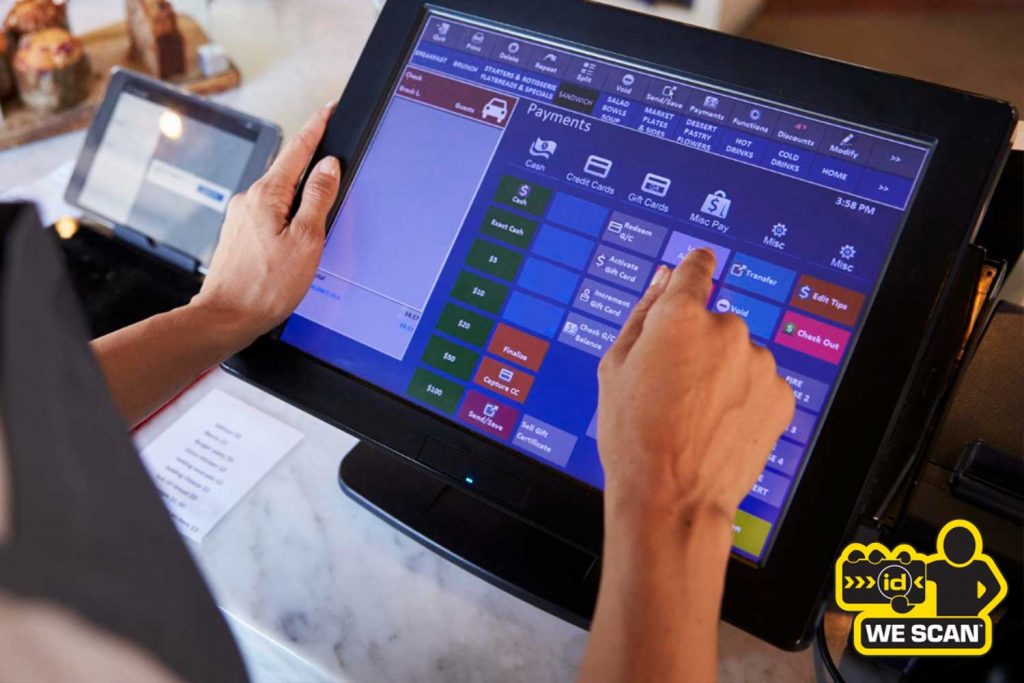
Common POS integrations include payment processing, inventory management, accounting, CRM, ecommerce, payroll, and compliance tools. Each serves a distinct operational function.
Payment Processing Integration
Almost every business integrates card machines into its POS system. The POS tallies a basket and sends the total to the card machine when the customer is ready to pay. The card machine processes the payment and sends a confirmation back to the POS to complete the sale. This eliminates the manual step of re-entering totals on a separate terminal.
Inventory Management Integration
When a sale is made, the POS automatically deducts the sold item from stock. Low stock alerts trigger automatically. Purchase orders can be generated without manual input. This eliminates the need for staff to reconcile receipts against inventory counts at the end of each shift.
Accounting Integration
Accounting integrations sync financial data across platforms and handle bookkeeping and tax compliance. Daily transactions import automatically into accounting software, giving finance teams accurate records without manual data entry.
CRM and Loyalty Integration
CRM software integrated with a POS automates customer rewards, tracks purchase history, and enables personalized marketing. Every visit and every purchase updates the customer record automatically without any manual input from staff.
Ecommerce Integration
Integrating an online store with a POS creates one unified inventory and one shared reporting system covering both online and in-store channels. Stock levels update across both channels with every sale, preventing overselling.
Payroll and HR Integration
Integrating a POS with payroll software tracks working hours, handles tax calculations, and ensures accurate wage payments. This eliminates payroll errors and maintains a clean record for tax compliance.
Age Verification and Compliance Integration
An integrated age verification tool helps businesses selling age-restricted products like alcohol, tobacco, or cannabis maintain compliance with age regulations. Integrated barcode scanners read ID data and return a pass or fail result within the transaction flow.
Age verification integrations vary in how they work. Some query external databases. Some check barcodes against locally stored specifications. The method affects scan speed, data privacy, and infrastructure requirements. Venues choosing a compliance integration should understand the distinction before committing to a solution.
POS Integration Examples by Industry
Restaurants, Bars, and Food Service Venues
POS integration for restaurants unifies order management, inventory tracking, and customer relationship management into one system. It eliminates the gaps between front-of-house ordering and back-of-house inventory and accounting.
For venues serving alcohol, age verification is a required integration layer. When a server rings up a drink order, the POS triggers an ID scan prompt. The scan completes before the transaction proceeds. Every verification is logged with timestamp, location, and result.
WE SCAN IDs is built for food service POS environments. It integrates with Toast, NCR Voyix, and Oracle MICROS Simphony. Servers on Toast Go 3 handhelds can scan IDs tableside during the order process using the same device used for ordering and payment. No separate hardware is needed.
Retail and Convenience Stores
Liquor stores need age verification at checkout alongside case-break tracking and bulk inventory management. Vape and CBD shops require compliance-ready software with support for high-risk payment processing. Retail POS integrations typically cover inventory automation, loyalty programs, and payment processing as core layers, with age verification added for any SKU flagged as age-restricted.
Hospitality and Hotels
Hotels integrate POS across multiple revenue points: restaurants, bars, room service, and spa facilities. Each terminal connects to the same property management system. A guest charge at the bar posts directly to their room account without manual input from front desk staff.
Healthcare and Pharmacy
Pharmacies use POS integrations to flag restricted medications, verify prescription records, and sync with insurance billing systems. Age verification applies to products like pseudoephedrine, which carries purchase restrictions under federal law.
Nightclubs and Entertainment Venues
High-capacity entertainment venues use age verification integration at entry and at the bar. Handheld scanners feed results into a centralized compliance log. Management reviews scan records across all terminals from a single dashboard.
Key Features to Look for in a POS Integration Solution
Not all POS integrations deliver the same result. These are the features that separate a reliable integration from one that creates more problems than it solves.
Real-time data sync. The integration should update connected systems the moment a transaction occurs. Batch syncing that runs every few hours creates gaps in inventory counts, compliance logs, and sales reports.
API reliability and documentation. A well-documented API means the integration can be maintained, updated, and troubleshot without rebuilding it each time the POS or connected system is updated.
Compatibility with your existing POS. Confirm API support, compatible payment processors, barcode scanner compatibility, mobile POS functionality, and data export requirements before committing. An integration that works on one POS platform may not be portable to another.
Compliance logging. For regulated industries, every transaction involving a restricted product needs a timestamped, logged record. The integration should create this record automatically, not rely on staff to document it manually.
Offline functionality. A POS integration that fails when internet connectivity drops creates compliance and operational risk. Critical integrations, especially age verification, should function locally on the device and sync when connectivity is restored.
Scan speed for age verification. For high-volume venues, a verification that takes five seconds per transaction adds significant time to the line. The best age verification integrations complete a check in under one second using local processing rather than a server round-trip.
Privacy and data handling. Age verification systems are not typically included in standard POS packages. When selecting one, understand whether the tool queries an external database, stores guest data, or transmits information to third parties. Each carries different privacy and liability implications.
How to Choose the Right POS Integration Partner?

Choosing a POS integration partner affects daily operations, compliance exposure, and long-term scalability. These are the questions to ask before committing.
- Does it integrate with your current POS? Start here. An integration that requires switching POS platforms is a migration, not an integration. Confirm active support for your specific POS version, not just the platform name.
- What does the integration actually do? Understand the mechanism, not just the marketing. For age verification, the key question is whether the tool queries an external database or validates the ID locally against published specifications. Each approach has different speed, privacy, and infrastructure implications.
- Who owns the data? Define what decisions the data needs to support, who needs access, and how fast. Data ownership matters for compliance audits, regulatory requests, and long-term record retention.
- What happens when it fails? Every integration fails at some point. For compliance integrations, a failure that silently allows a restricted sale is a liability. A failure that blocks all sales is an operations problem. Both need a defined fallback.
- Is there a compliance audit trail? Regulated industries need documented records of every age-verified transaction. Confirm that the integration logs results automatically and that those logs are exportable for regulatory review.
- What does implementation look like? Some integrations are installed from an app marketplace in minutes. Others require custom development. Understand the timeline, who owns the technical setup, and what ongoing support includes.
- What is the total cost? Factor in integration fees, per-transaction costs, hardware requirements, and support contracts. An integration with a low upfront cost but high per-scan fees becomes expensive at volume.
For food service and hospitality venues, age verification POS integration is a compliance requirement, not a feature add-on. The right partner provides a method that is fast enough for peak-volume service, accurate enough to stand up to regulatory review, and simple enough that staff can use it without extended training.
| WE SCAN IDs integrates with Toast, NCR Voyix, and Oracle MICROS Simphony. It reads the PDF417 barcode on the back of the ID, matches encoded data to state DMV security specifications, and logs every result automatically. No third-party data sharing. Contact the team at sales@wescanids.com or visit wescanids.com to request a demo. |